
23 Best Lead Generation Tools in 2026, by What They Do
Julien K.Published
Key takeaways:
- A lead generation stack is seven jobs, not one category. Grouping tools by the job they do stops you paying twice for the same function, which is the most common way these budgets leak.
- Buying more tools is not the problem; using them is. The CMO Survey found only 56.4% of purchased marketing technology is actually being used, while Martech already absorbs about a fifth of marketing budgets.
- Eleven of the 23 tools here run a genuinely free tier rather than a trial, and nineteen publish an entry price. Four, ZoomInfo, Cognism, 6sense and Gong, will not give you a number without a call.
- Every tool that acts on a named person or company reads the same underlying data: the capture tools create it and everything downstream depends on whether it is right. That layer is the one component worth testing on your own records before you buy anything above it.
Lead generation is not a single activity, and no tool does all of it. Finding who to sell to, capturing interest, identifying who is already looking, booking the conversation, reaching out, working the call and keeping the record straight are seven distinct jobs, and most teams end up buying from four or five different categories without ever drawing the map.
That is how stacks end up with three tools that all claim to enrich a contact and none that reliably routes a meeting. This guide groups 23 lead generation tools by the job each one owns, says what each costs, and is explicit about where functions overlap so you can decide what not to buy.
Reverse Contact is ours and sits first in the data layer, the one job every other tool depends on. Pricing throughout comes from each vendor's own page, checked in October 2026, with the billing basis attached, because several headline an annual rate and charge more by the month.
What Lead Generation Tools Actually Do
A lead generation tool is any software that helps you identify a potential buyer, capture their interest, or turn that interest into a conversation. In practice the category spans everything from a popup builder to an enterprise data platform, which is why comparing them on a single list of features goes nowhere.
Most lead generation systems are assembled rather than bought, which is why two teams in the same market rarely run the same one.
The useful distinction is what each tool consumes and what it produces. Lead generation software at the capture end consumes traffic you already have and produces a form fill. Lead generation platforms at the data end consume a name or a domain and produce a profile. CRMs consume everything and produce a pipeline you can report on.
Underneath all of them sits the same dependency, and it runs through the wider B2B sales tools stack too.
Every tool here reads data about people and companies: who they are, where they work, whether that is still true. Lead generation platforms at the heavy end are no different from a popup builder in that respect. Get that layer wrong and the tools above it produce confident, well-formatted, wrong output, which is harder to spot than an obvious failure.
Lead Generation Companies vs Lead Generation Software
A note on terminology, because the search results mix two different things.
Lead generation companies and lead generation services are agencies: you pay people to run outbound, qualify leads or book meetings, and you buy an outcome rather than a license.
Lead generation software, which is what this list covers, is tooling your own team operates. Rankings of the best lead generation companies and the top lead generation companies therefore answer a different question from this one, and lead generation services are usually priced per meeting or per month retained rather than per seat.
The honest rule of thumb is that agencies suit teams without the headcount to run the motion, while software suits teams that have the people and need more output from them.
Plenty of companies use both, with an agency handling top-of-funnel while the in-house team works the pipeline. If you are shortlisting from a roundup of the best lead generation companies alongside this one, the data layer underneath has to be right either way, because the top lead generation companies are buying their records from the same handful of providers you would.
How We Chose These 23
Four rules shaped the list, and the third is the one that cut most candidates.
- One tool per job where possible, rather than five variations on the same function.
- A published price, or an honest note that there isn't one. Nineteen publish an entry price; four quote only.
- The tool still does what it is listed for, checked on its own homepage rather than a directory category.
- Still independent, or clearly labeled where it is not. Leadfeeder was Dealfront until March 2026, and that is one company, not two.
We have not run a head-to-head accuracy test across 23 tools and will not pretend otherwise. What this list gives you is what each vendor publishes, what it costs, and a method in the later section for testing the part that matters on your own data.
The 23 Best Lead Generation Tools Compared
The table groups by job. Prices are the lowest published route in, with the billing basis attached.
| Tool | Job in the stack | Pricing (from) | Free option |
|---|---|---|---|
| Reverse Contact | Data layer: resolve people and companies | Credit packs from $100 | Trial credits, no card |
| Apollo.io | Data layer: database plus outreach | $49/seat/mo billed annually | 900 credits a seat a year |
| ZoomInfo | Data layer: enterprise coverage and intent | Quote only | ZoomInfo Lite |
| Cognism | Data layer: European mobile numbers | Quote only | None published |
| Clay | Data layer: waterfall across providers | $167/mo billed annually | 100 credits a month |
| Hunter.io | Data layer: find and verify work emails | $34/mo billed yearly | 50 credits a month |
| Unbounce | Capture: landing pages | $22/mo billed annually | 14-day trial, no card |
| Typeform | Capture: forms and qualification | $28/mo on yearly billing | Yes, limited |
| OptinMonster | Capture: popups and on-site offers | $210/yr at renewal | None, 14-day refund |
| Leadfeeder | Identify: companies visiting your site | $79/mo billed annually | Free forever tier |
| RB2B | Identify: person-level visitors, US only | $79/mo | 150 resolutions a month |
| 6sense | Identify: account intent and ABM | Quote only | None published |
| Chili Piper | Route: inbound routing and booking | $1,250/mo, annual only | None |
| Calendly | Route: scheduling | $10/seat/mo billed yearly | Yes |
| Instantly | Reach out: cold email at volume | $37.60/mo billed yearly | None |
| lemlist | Reach out: multichannel sequences | $55/mo billed yearly | 14-day trial |
| Reply.io | Reach out: sequencing and AI agents | $49/mo billed annually | 14-day trial |
| Aircall | Work the call: cloud phone and dialer | $30/license/mo billed annually | None |
| Gong | Work the call: conversation intelligence | Quote only | None |
| HubSpot | CRM: free entry, paid depth | $7/seat/mo billed annually | Free up to 2 users |
| Salesforce Sales Cloud | CRM: enterprise standard | $25/user/mo | Free Suite, 2 users |
| Pipedrive | CRM: simple pipeline management | $14/seat/mo billed annually | 14-day trial, no card |
| Attio | CRM: API and AI on every plan | $35/seat/mo billed annually | Free up to 3 seats |
Eleven free tiers and nineteen published entry prices make this a more transparent market than its reputation suggests. The four quote-only vendors all sit at the enterprise end, where that is the norm rather than evasion.
Data Layer: Who You Sell To
This is the layer every other tool reads from, and the only one where a mistake propagates everywhere else. A wrong title in your CRM becomes a wrong merge tag in a sequence, a wrong routing decision and a wrong line on a report.
1. Reverse Contact
Best for: Resolving identity inside software
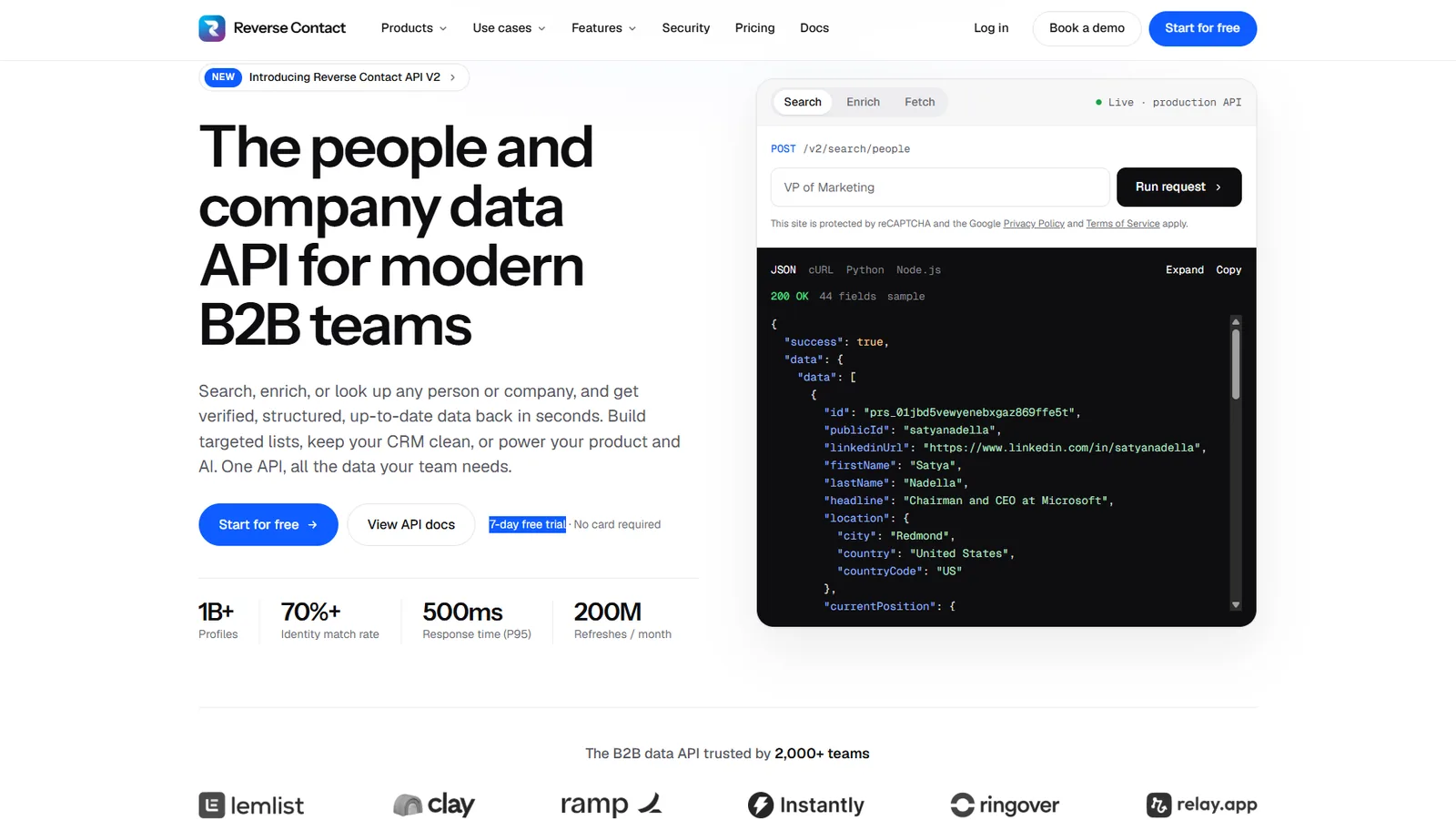
Overview: Reverse Contact is the data layer rather than a tool anyone opens. Hand it an email address, a person's name beside their employer's domain, a company name, or a filter set, and your own software receives a structured profile. No dashboard, no seats.
That matters here because the rest of this stack assumes somebody already knows who the lead is. Forms collect an email, visitor tools return a company, and sequencers need a current title. Resolving that identity once, properly, is what stops six downstream tools each guessing differently.
HeyReach uses it at the front door. Its signup form asks for very little, and the gaps are filled by calling our API in the background, so the account can be scored before anyone looks at it. What HeyReach does with that score, routing the high-value signups one way and leaving everyone else self-serve, is its own logic rather than anything we supply.
Key features:
- Enrichment from an email, a name with a company domain, or a company name.
- People search on 30+ filters, preceded by a no-cost tally of how many profiles match.
/check, which costs nothing and reports only the date of the last full refresh.- Emails at 3 credits when found, phone numbers at 20, with nothing charged when a search or a contact lookup comes back empty.
- Cached reads in about half a second, or a live retrieval returned by webhook.
- One response shape across REST, webhooks, CSV upload and an MCP server.
Pricing: Packs of credits begin at $100 and stay live for three months apiece. The subscription route costs $249, $449 or $699 a month, each tier uncapping a wider set of calls. All three cover your own team; data shown to your customers needs a Platform agreement, priced on application.
Pros: No seats, published self-serve prices, misses free on most call types, a readable age on every record
Cons: No interface, no sending and no CRM, so it sits under this stack rather than replacing any of it; phone lookups cost 20 credits; a live re-fetch that finds nothing still costs 2; and a plan plus credits is two meters to forecast rather than one
How to start using it:
- Start on trial credits, which do not ask for a card.
- Take 200 records your CRM already holds and run them through.
- Count how many came back, and how many came back correct.
- Compare that against whatever currently populates those fields.
- Talk to us about Platform if your customers will see the data.
Why it's a good lead generation tool: It fixes the input every other tool depends on, which is cheaper than fixing six outputs.
Final verdict: Choose it when the stack is leaking at the data layer rather than the workflow. A free API key is enough to put 200 of your own records through first.
2. Apollo.io
Best for: Database and outreach in one seat
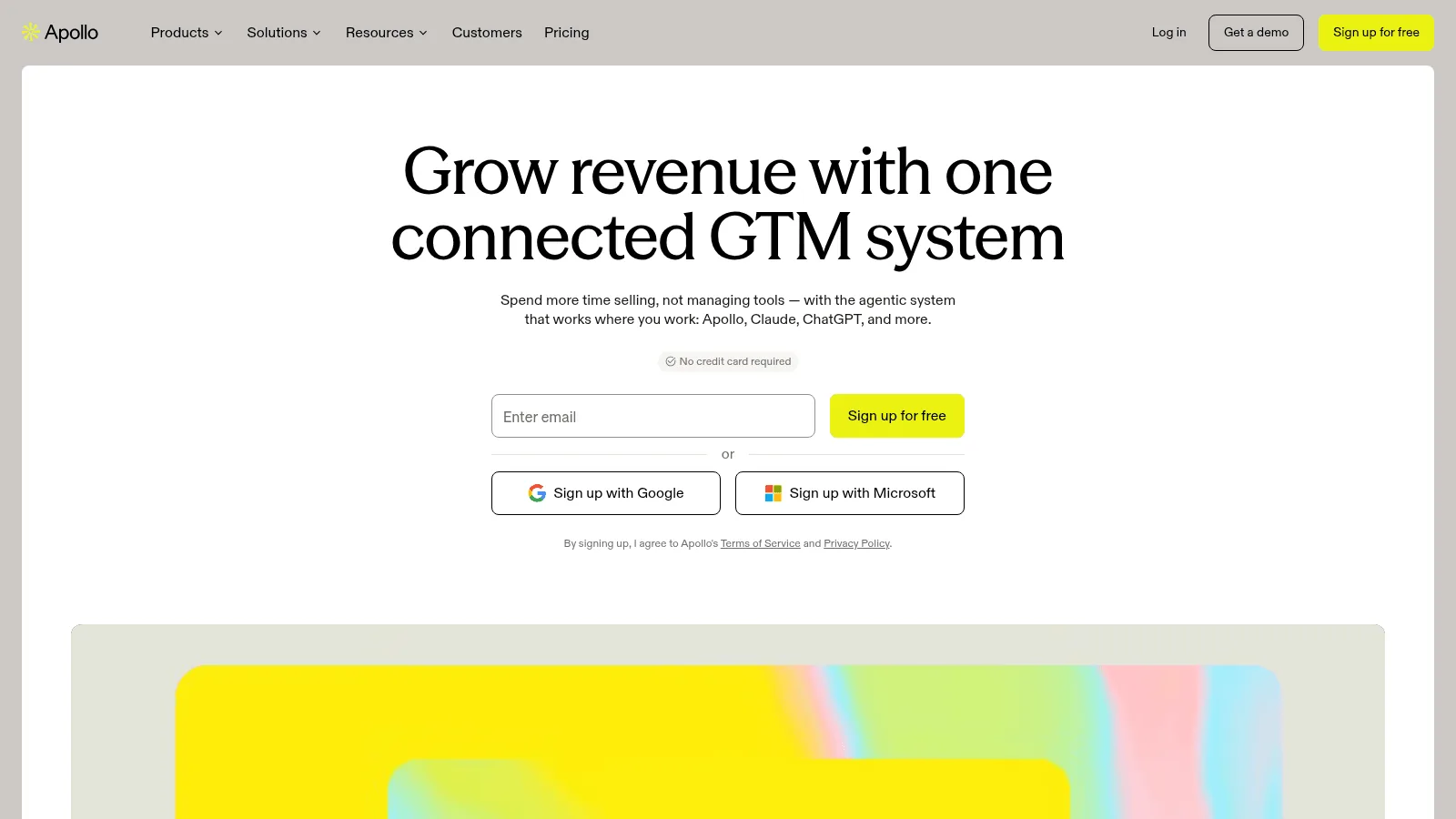
Overview: Apollo.io pairs 240M+ contacts with sequencing, a dialer and a light CRM, which makes it the cheapest published way to cover four jobs on this list at once.
Pricing: The free plan allows 900 credits a seat each year. Paid seats cost $49 monthly on annual billing, $65 month to month, with Professional at $79 and Organization at $119 on a three-seat floor.
Pros: A real free tier, four jobs in one bill
Cons: Credits expire each billing cycle, every seat sits on the same plan, standard plans are internal-use only
Final verdict: The obvious starting point for a small team, and worth re-costing once volume grows, as our Apollo alternatives comparison works through.
3. ZoomInfo
Best for: Enterprise coverage with intent
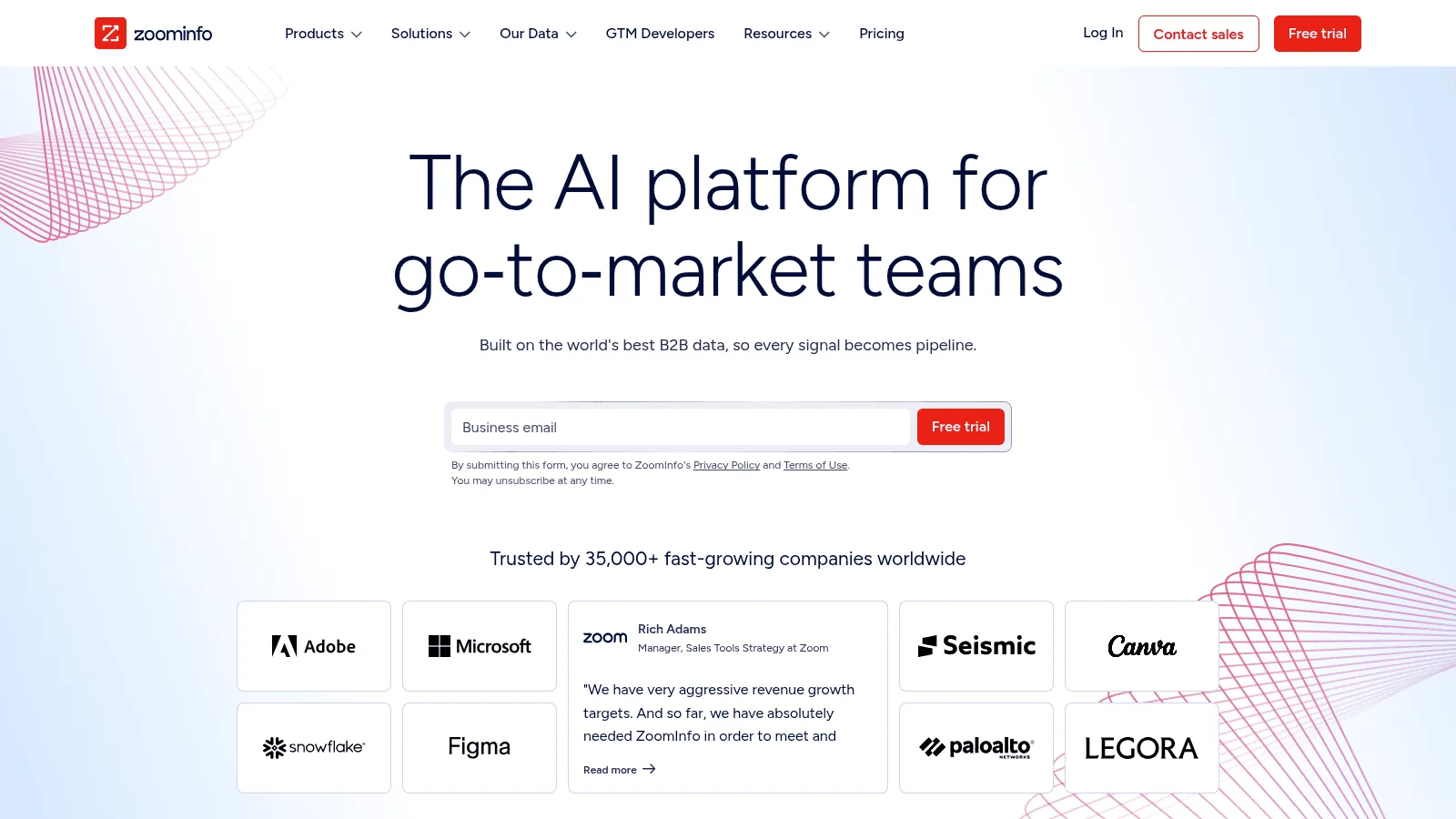
Overview: ZoomInfo carries the widest contact and company coverage here, with buyer intent and website visitor identification inside the same platform rather than as separate purchases.
Pricing: No published figure; the quote reflects feature set, licenses and expected credit draw. A permanent free tier, ZoomInfo Lite, is documented on the homepage and needs no card.
Pros: Unmatched coverage, intent and visitor data bundled
Cons: No published price, two meters inside one quote, a procurement cycle rather than a signup
Final verdict: The enterprise default, and overkill for a team of five.
4. Cognism
Best for: Phone-led selling in Europe
Overview: Cognism specializes in dialable mobile numbers with strong European coverage, and publishes a 30-day refresh cycle covering 95% of Director-level and above contacts.
Pricing: Quote only, and the unit of sale is a five-seat package rather than a single user. Both programmatic routes, API and MCP, ship with even the entry package.
Pros: A stated refresh cadence with its population named, strong EU mobiles
Cons: No published price, five-seat packaging, no published rule on what a miss costs
Final verdict: Worth the quote if your motion is phone-first and European.
5. Clay
Best for: Running many providers at once
Overview: Clay owns no database of its own. It calls everyone else's in sequence, handing a failed lookup down the chain until something answers. Among AI lead generation tools it is the one most teams actually keep.
Pricing: The free allowance runs to 500 actions and 100 data credits monthly. Launch costs $167 a month on annual billing, $185 if paid monthly, with Growth at $446 annually. HTTP API access begins at Growth.
Pros: Unlimited seats, no data credit charged on an empty enrichment
Cons: Two meters to forecast, a real learning curve, API access needs the Growth tier
Final verdict: The right answer once one provider's coverage stops being enough.
6. Hunter.io
Best for: Finding and verifying work emails
Overview: Hunter.io does one job at the data layer: turning a name and a domain into a verified work email, with verification sold alongside it.
Pricing: Free gives 50 credits a month. Starter is $34 a month billed yearly or $49 monthly for 2,000 credits, Growth $104 or $149 for 10,000. API and MCP are on every plan, free included.
Pros: API on the free tier, nothing charged when no email is found
Cons: Email only, no phone numbers or firmographics; monthly-billed credits reset without rollover
Final verdict: A precise, cheap tool that does not pretend to be a platform.
Capture: Turning Traffic Into Leads
Capture tools consume visitors you already have. Nothing in this group finds you an audience, which is the most common misunderstanding about the category.
7. Unbounce
Best for: Landing pages without a developer
Overview: Unbounce builds standalone landing pages with lead-capture forms, aimed at marketers running paid campaigns who need a page live today rather than in a sprint.
Pricing: Starter is $22 a month billed annually or $29 monthly, covering 5 pages, 1 user and up to 500 visitors a month. Build is $74, Experiment $112 and Optimize $187 on annual billing. A 14-day trial needs no card.
Pros: API and MCP access on every plan, a genuine no-card trial
Cons: The entry tier caps at 500 visitors a month, one user and one root domain
Final verdict: Good value until traffic grows, at which point the tier jumps are steep.
8. Typeform
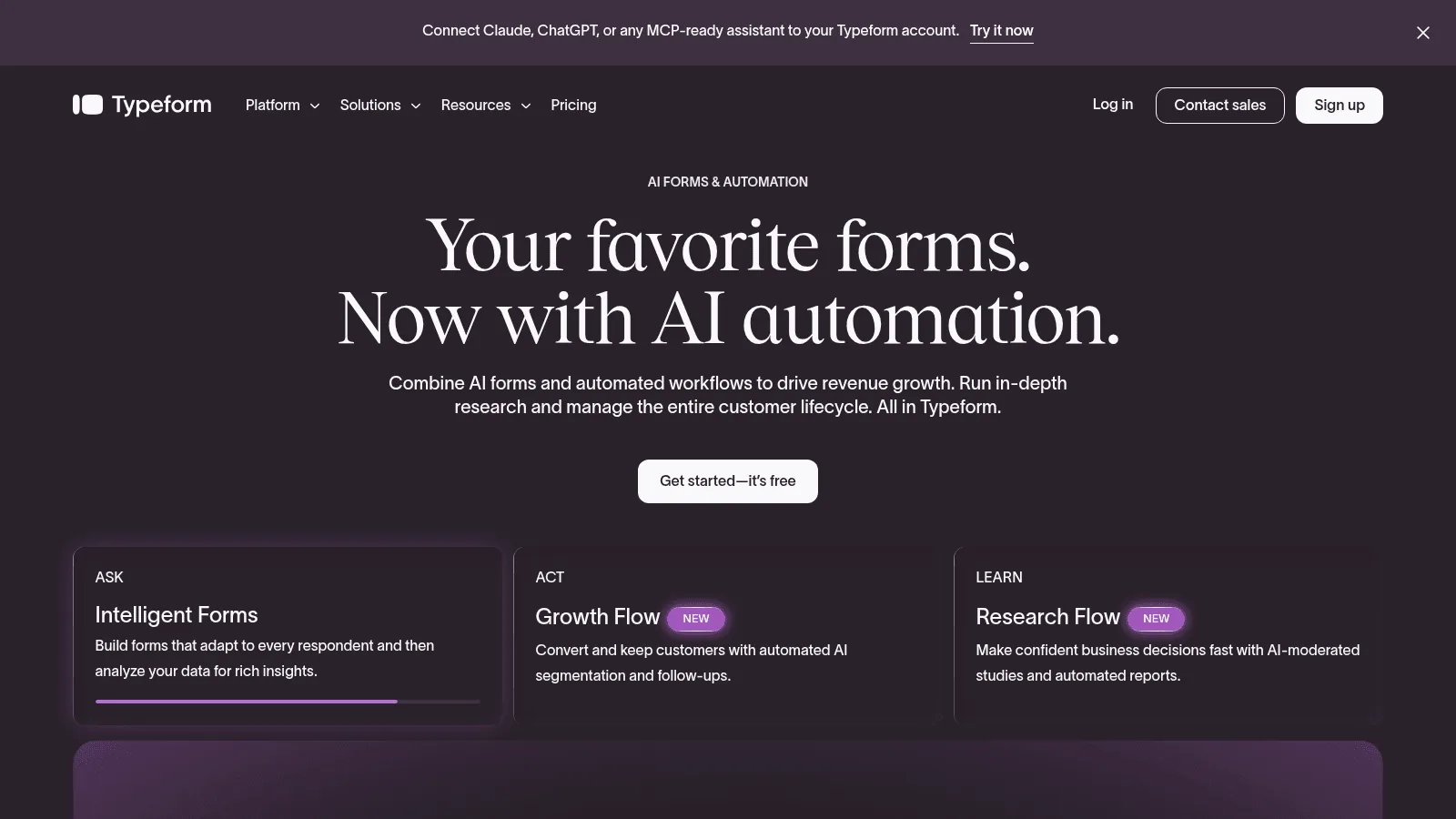
Best for: Qualifying before the handoff
Overview: Typeform builds conversational forms that ask one question at a time, which tends to hold completion rates up on the longer qualification questionnaires that kill standard forms.
Pricing: Basic is $28 a month on yearly billing for 100 responses and 1 user, Plus $56 for 1,000 responses and 3 users, Business $91 for 10,000 and 5 users. A free plan exists, though its response cap is not stated on the pricing page.
Pros: Strong completion on long forms, public APIs and an MCP server
Cons: 100 responses a month at entry level is tight for any real campaign
Final verdict: Worth it where qualification quality matters more than volume.
9. OptinMonster
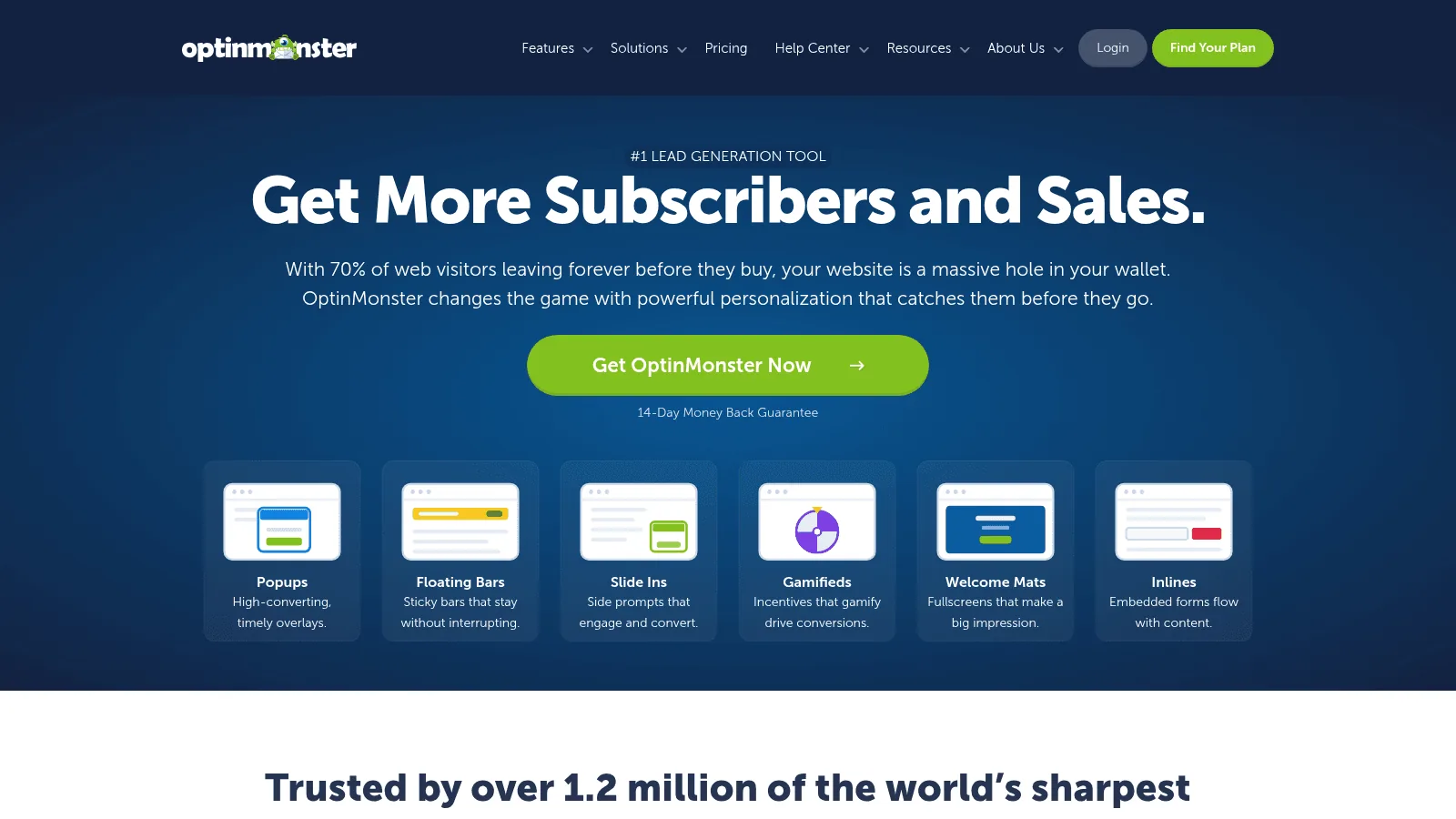
Best for: On-site offers and exit intent
Overview: OptinMonster runs popups, floating bars, slide-ins and inline forms against visitors already on your site, with targeting rules deciding who sees what and when.
Pricing: Read this one carefully. Basic advertises "$9" a month but bills $108 today and renews at $210 a year, and the same introductory structure applies up the ladder. Billing is annual only, with a 14-day money-back guarantee rather than a trial.
Pros: Cheap relative to the category, a wide range of on-site formats
Cons: The advertised price is a first-year promotion, annual billing only, and no API is stated on the pricing page
Final verdict: Effective at its job, provided you budget the renewal rather than the headline.
Identify: Who Is Already Interested
Visitor identification tells you which companies, and occasionally which people, are already on your site. It is the bridge between anonymous traffic and a named lead.
10. Leadfeeder
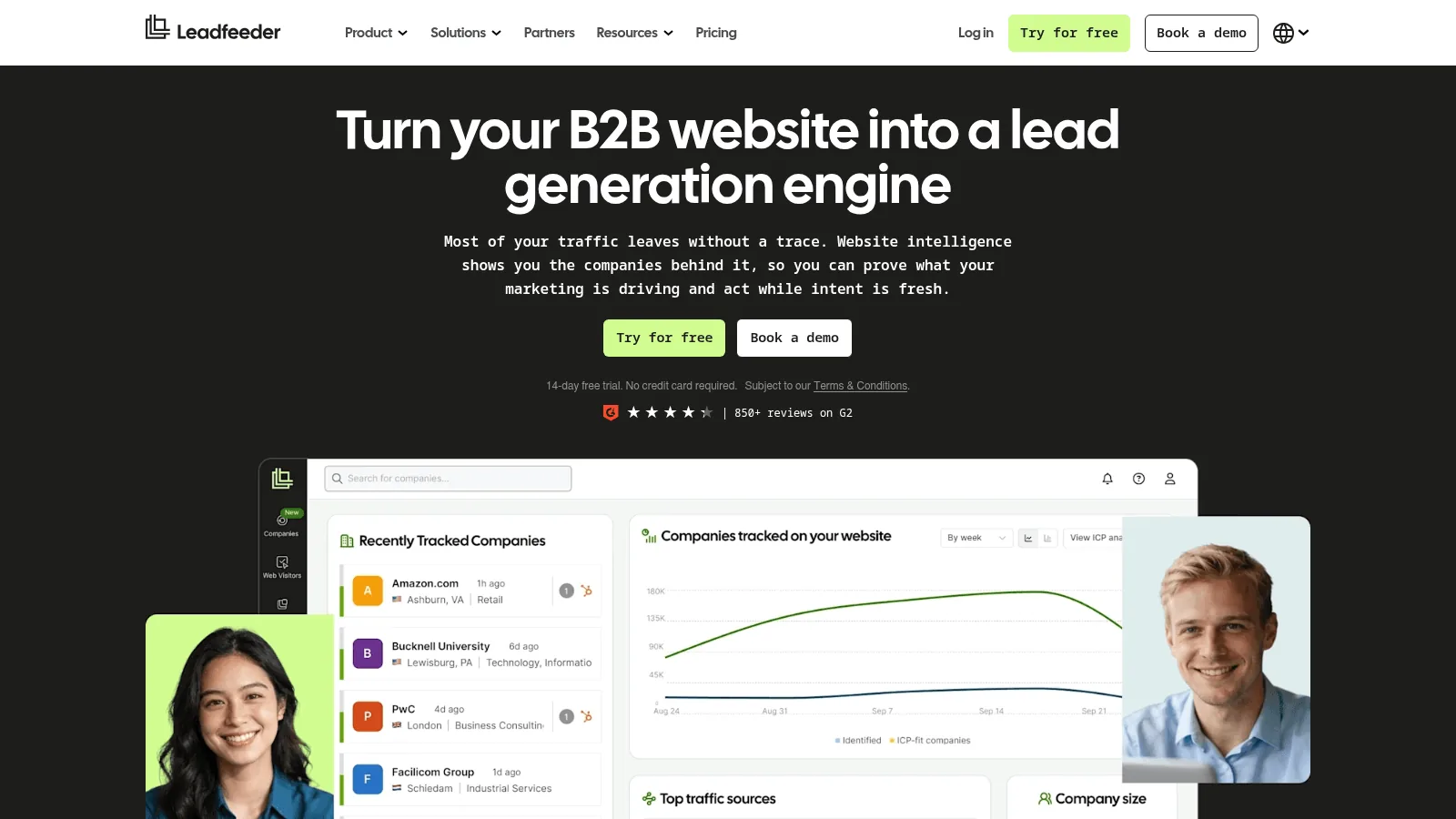
Best for: Company-level visitor identification
Overview: Leadfeeder identifies the companies visiting your website and tracks what they looked at. It was Dealfront until March 2026, when the group consolidated under the Leadfeeder name; it is one product, not two.
Pricing: Lite is free forever with no card, showing the last 100 companies a month and 7 days of history. Discover starts at $79 a month billed annually, $113 month to month, and adds API and MCP access, Activate at $369 and Scale at $599, both annual only.
Pros: A free tier that is genuinely usable, unlimited users on every plan
Cons: Company level rather than person level, and price scales with companies identified
Final verdict: The standard first purchase in this category, and the free tier answers whether it is worth more.
11. RB2B
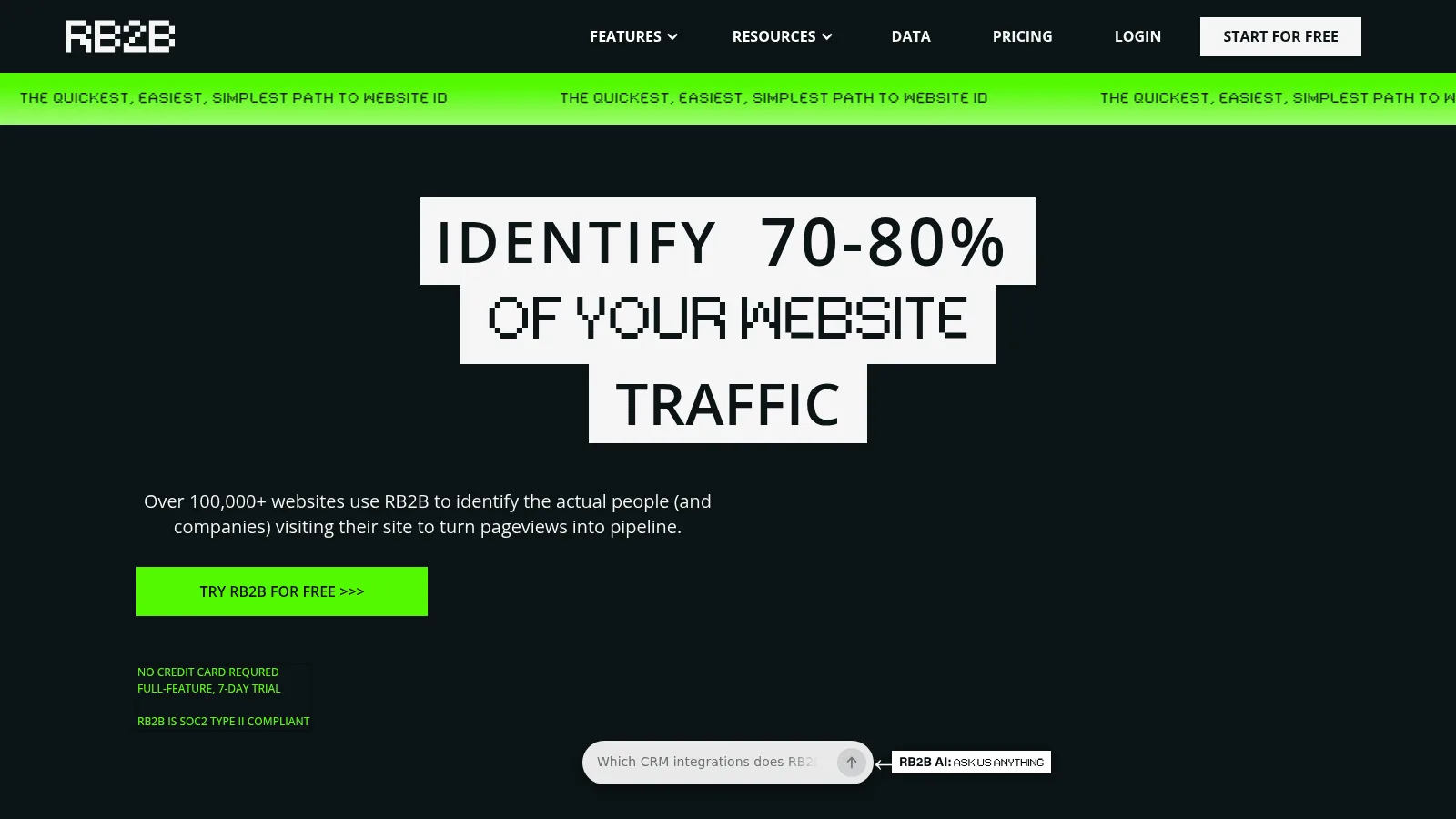
Best for: Person-level identification in the US
Overview: RB2B, built by Retention.com, resolves some website visitors to a named person rather than a company, which is a materially different product from everything else in this group.
Pricing: Free covers 150 monthly resolutions at company level. Starter is $79 a month for 300, Pro from $149 for 600 and up, and Pro+ from $199. Billing is monthly only.
Pros: Person-level resolution, monthly billing with no lock-in, a usable free tier
Cons: Contact-level identification is US only, and its own published contact-level coverage runs 15 to 20% on the lower tiers
Final verdict: Worth testing if you sell into the US and your traffic is already decent.
12. 6sense
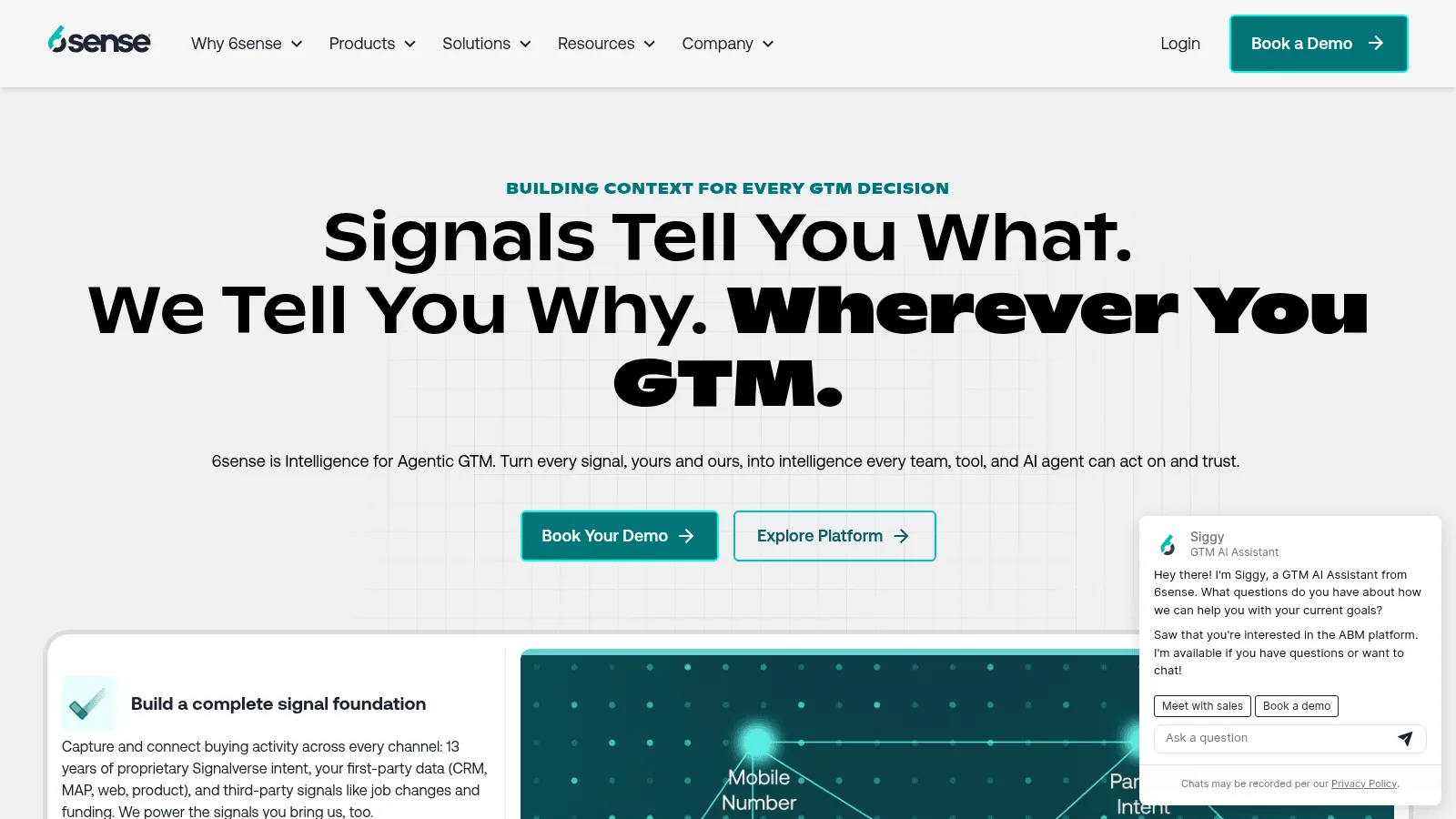
Best for: Account intent at enterprise scale
Overview: 6sense predicts which accounts are in-market using third-party intent signals, and sits at the heavy end of account-based marketing rather than the lead-capture end.
Pricing: Quote only across all three Sales Intelligence bundles. Its free Sales Intelligence plan was discontinued in August 2026, so treat any "get started free" messaging as out of date.
Pros: Predictive scoring combined with third-party intent, deep ABM tooling
Cons: No published price, no free entry, and an implementation project rather than a signup
Final verdict: A platform decision, not a tool purchase.
Book the Meeting
The least glamorous group and the one where leads most often die. A qualified lead that waits two days for a calendar link is a lost lead.
13. Chili Piper
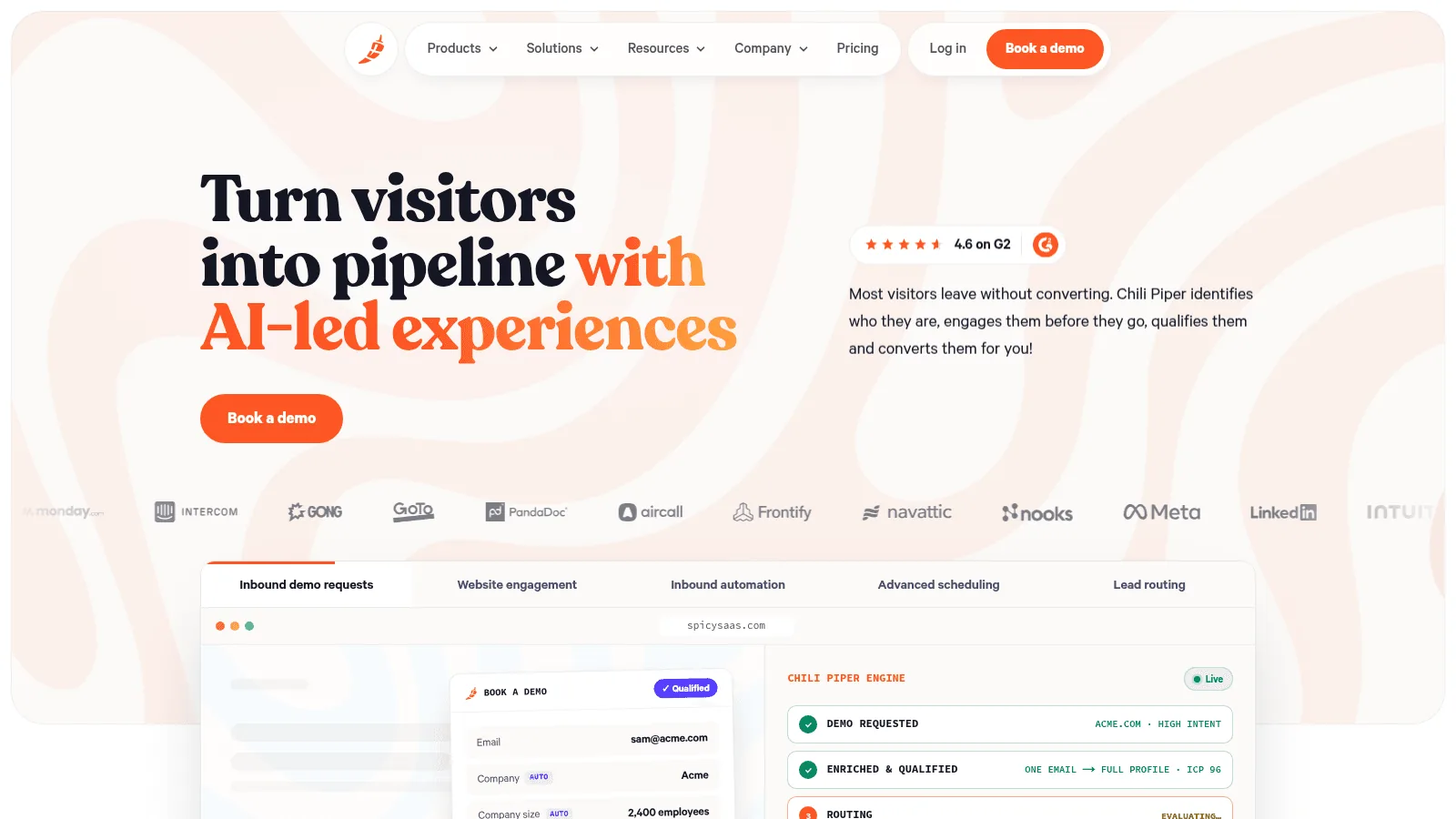
Best for: Routing inbound to the right rep instantly
Overview: Chili Piper qualifies and routes an inbound form fill in real time, booking the meeting while the prospect is still on the page rather than emailing them later.
Pricing: Routing and Scheduling starts at $1,250 a month, billed annually at $15,000, covering up to 15 seats. There is no free plan and no trial.
Pros: Real-time routing and booking, strong CRM integrations
Cons: Annual commitment at a $15,000 floor, which rules it out below a certain deal size
Final verdict: Transformative for high-volume inbound, unjustifiable without it.
14. Calendly
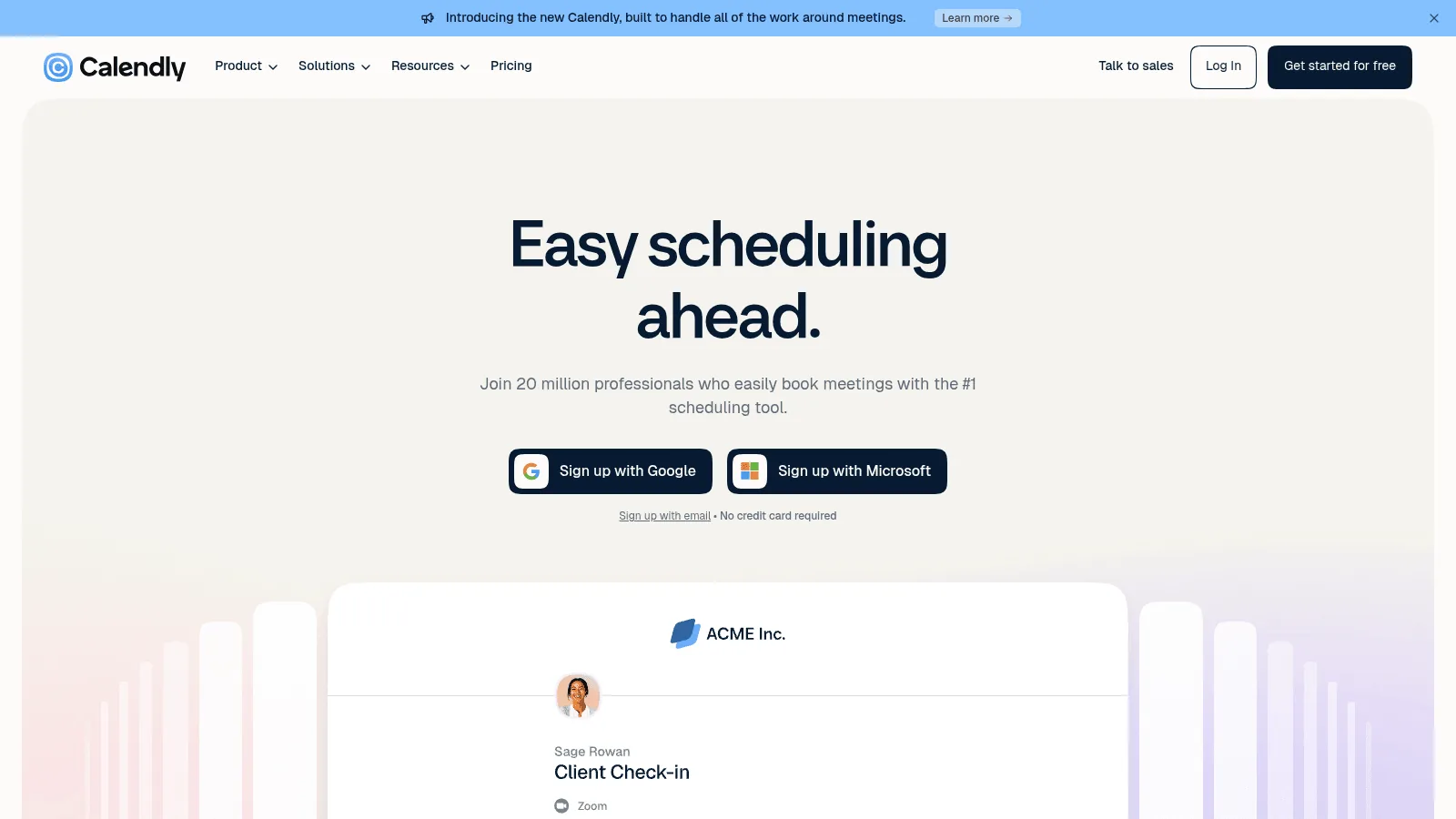
Best for: Scheduling without the routing bill
Overview: Calendly does the booking half of the job at a fraction of the price, and adds qualification and routing at its team tier for organizations that do not need the screening to fire on their existing form.
Pricing: A free tier covers one event type. Standard is $10 per seat a month billed yearly or $12 monthly, and Teams $16 or $20, which is where routing appears.
Pros: Free tier, cheap paid tiers, near-universal familiarity
Cons: Qualification and routing both need the Teams plan, and the screening happens on a Calendly form rather than the one you already run
Final verdict: The sensible default until inbound volume justifies dedicated routing.
Reach Out and Work the Call
Sequencers send the messages; phone and conversation tools handle what happens when someone answers. The output quality of all five is bounded by the data layer feeding them, which is why they sit below it on this list rather than above.
15. Instantly
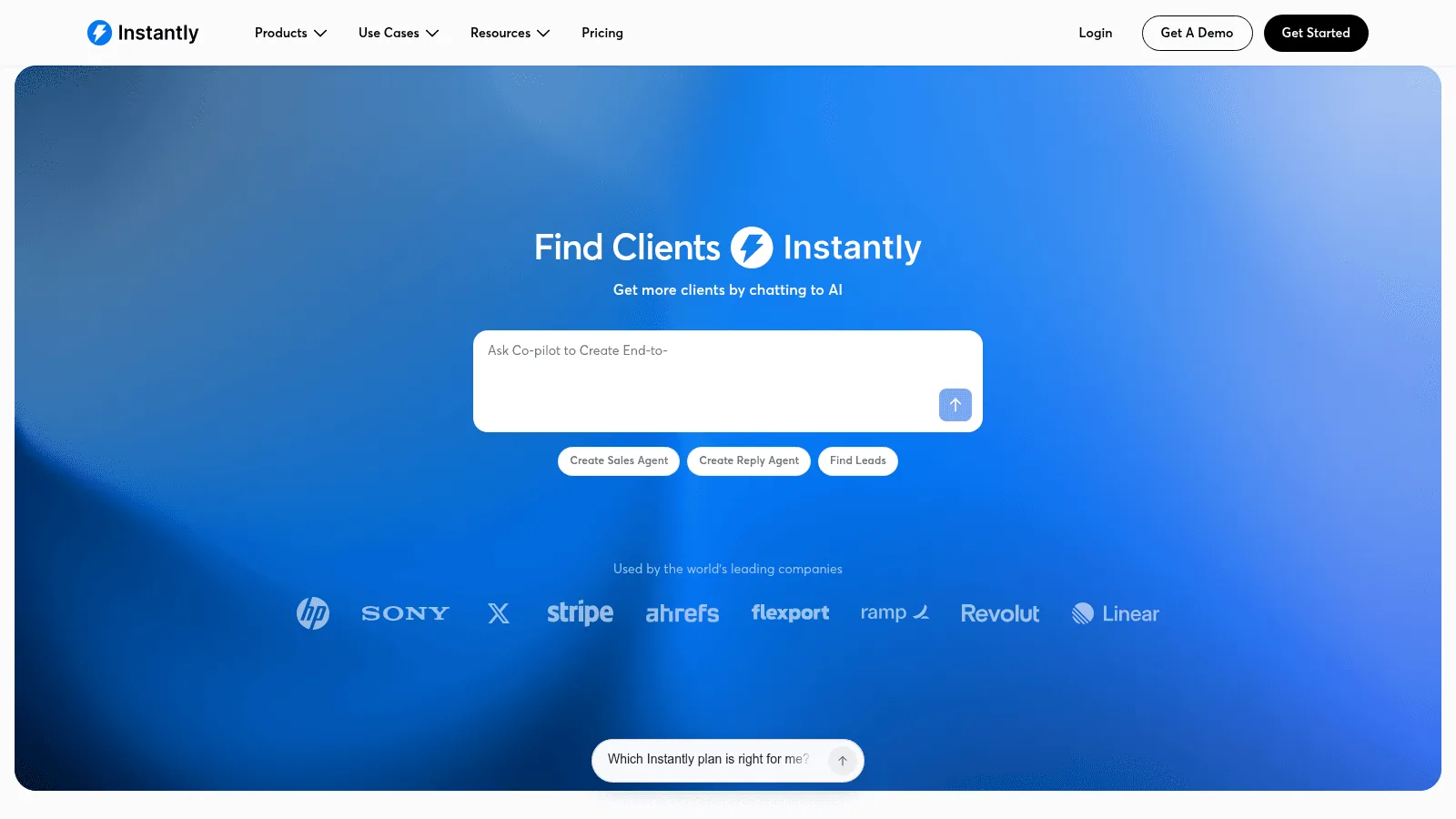
Best for: Cold email at volume
Overview: Instantly handles high-volume cold email with unlimited sending accounts and built-in warm-up, aimed at teams whose constraint is deliverability rather than copy.
Pricing: The Growth tier costs $37.60 monthly on yearly billing, or $47 paid month to month, and covers 5,000 sends against 1,000 uploaded contacts. Lead data is not included: it arrives either as its own subscription or inside a bundle, the cheapest of which is $85 a month on yearly terms.
Pros: As many sending accounts as you like, warm-up built in, a genuinely low entry price
Cons: Lead data costs extra on top, and the entry plan caps contacts at 1,000
Final verdict: Built for volume senders, and priced accordingly once you add the data.
16. lemlist
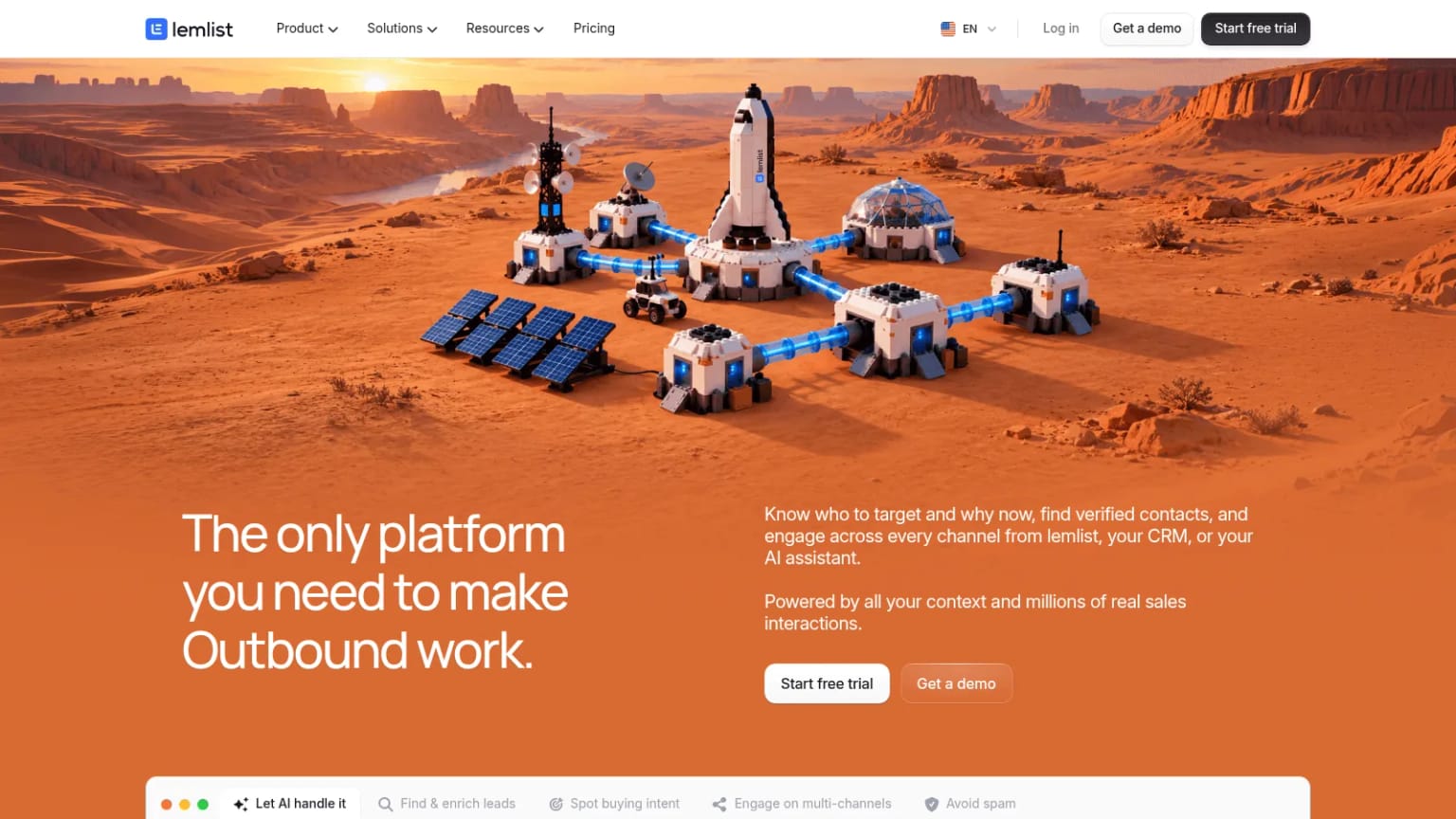
Best for: Multichannel sequences
Overview: lemlist, part of the lempire group, runs email alongside other channels in one sequence, with contact data available as a paid add-on rather than bundled.
Pricing: Email alone costs $55 monthly on yearly billing, or $69 month to month, and carries 50,000 sends across unlimited users. Adding channels moves you to Multichannel at $87 or $109, charged per user this time. Contact data is an extra, opening at $20 a month for 2,000 credits.
Pros: No per-user charge on the email tier, and two weeks of trial without handing over a card
Cons: Contact data is a separate add-on, and calls or other channels need the per-user Multichannel plan
Final verdict: Good value for email-led teams, less so once every channel is switched on.
17. Reply.io
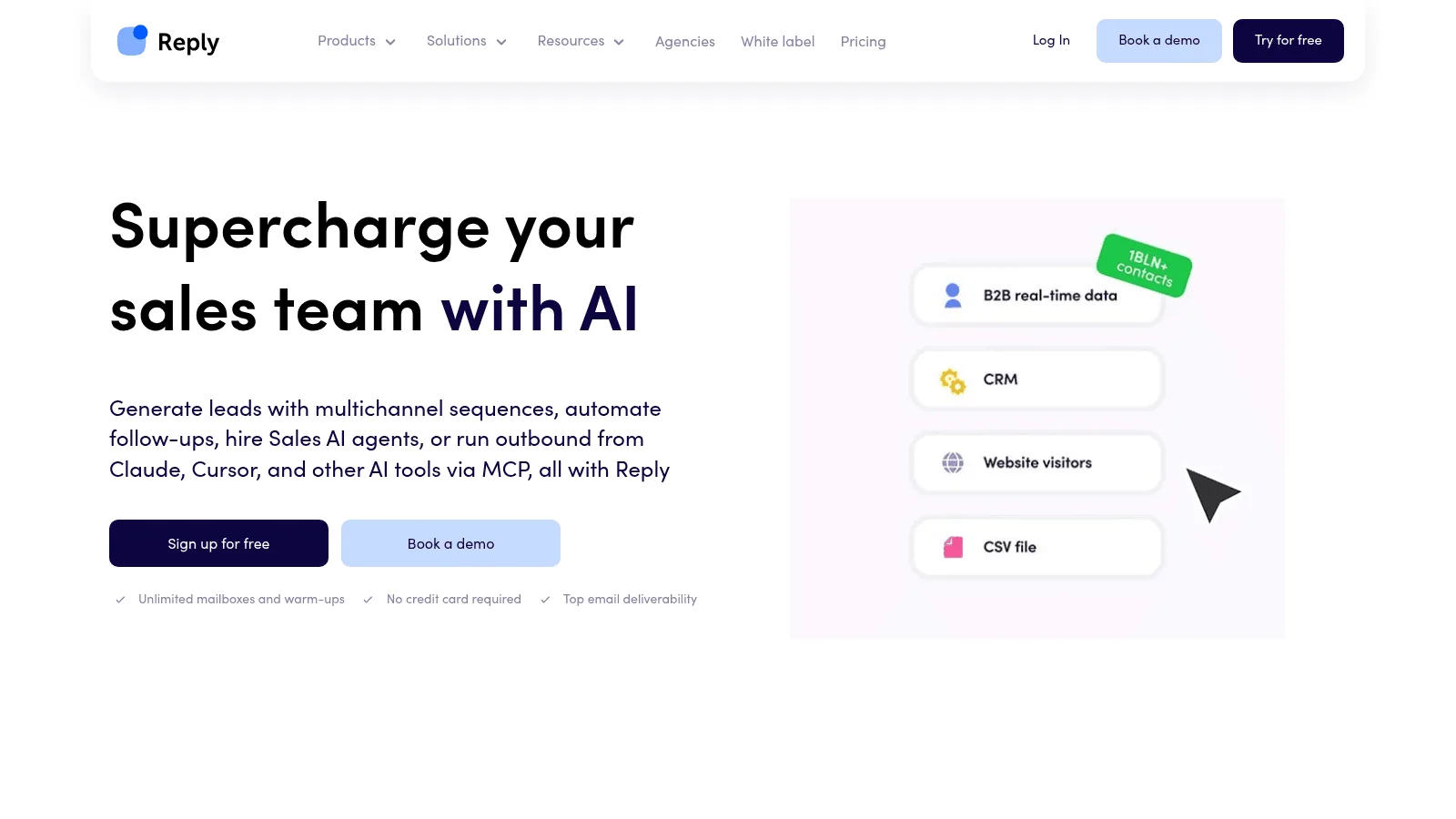
Best for: Sequencing with AI agents attached
Overview: Reply.io runs multichannel sequences and layers AI agents on top, pricing its email product by active contacts rather than by seat.
Pricing: Its email product bills by active contacts rather than seats: $49 monthly on annual billing, or $59 month to month, for the first 1,000. Multichannel reverts to a per-user rate of $89 annually. No free plan exists, though the trial runs a fortnight and the API is included throughout.
Pros: Priced by contacts rather than seats on the email plan, API included
Cons: No free plan, and the AI agent product is a significant step up in price
Final verdict: Worth comparing if your team size and contact volume are badly matched.
18. Aircall
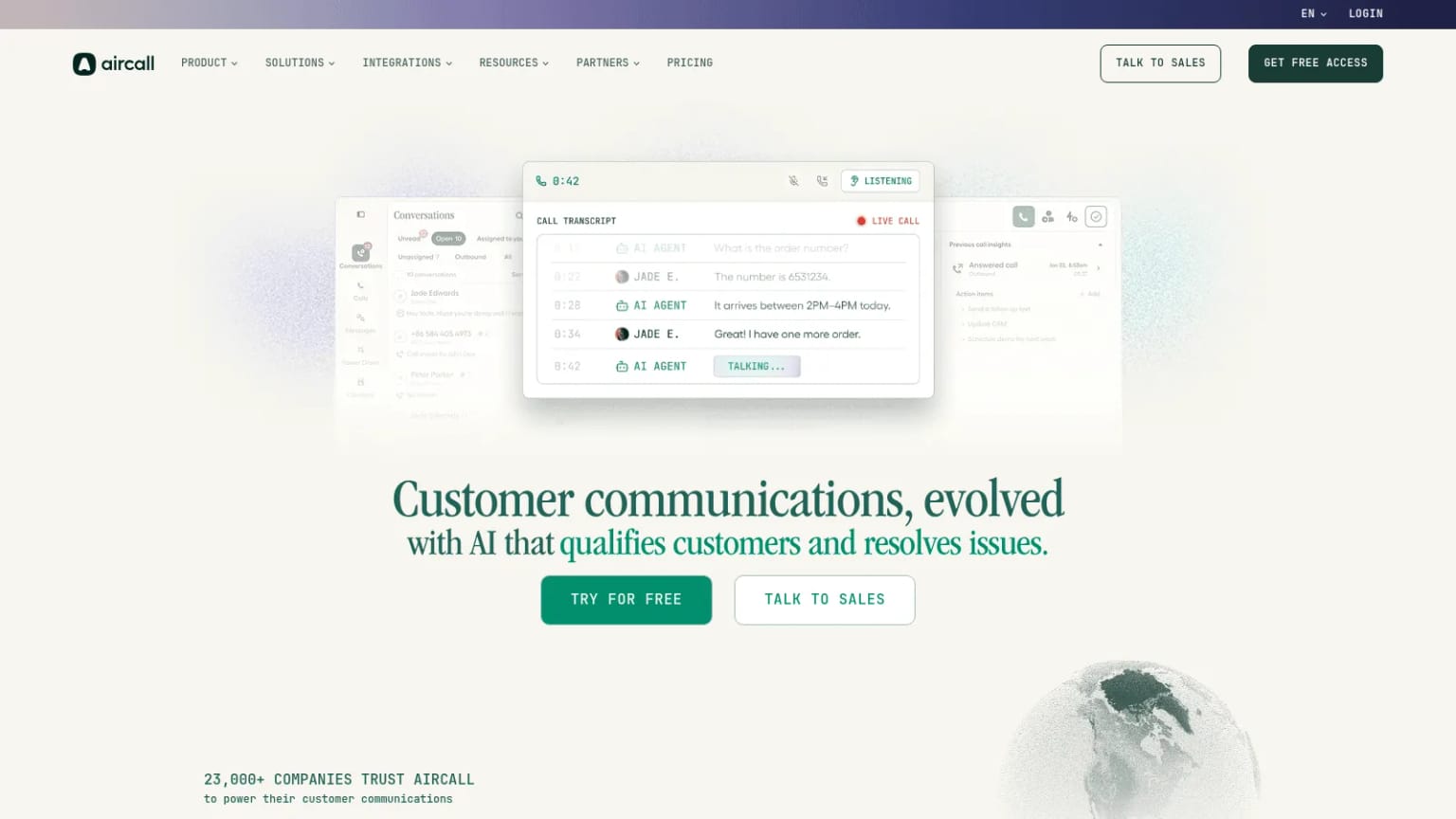
Best for: A phone system wired into the CRM
Overview: Aircall is a cloud phone system with CRM integrations and a power dialer, aimed at teams where outbound calling is a real channel rather than an afterthought.
Pricing: Essentials is $30 per license a month billed annually or $40 monthly, and Professional $50 or $70, with a three-license minimum throughout. The power dialer needs Professional.
Pros: Deep CRM integrations, straightforward per-license pricing
Cons: A three-license minimum, and the dialer most teams want sits on the higher tier
Final verdict: Solid and unexciting, which is what you want from a phone system.
19. Gong
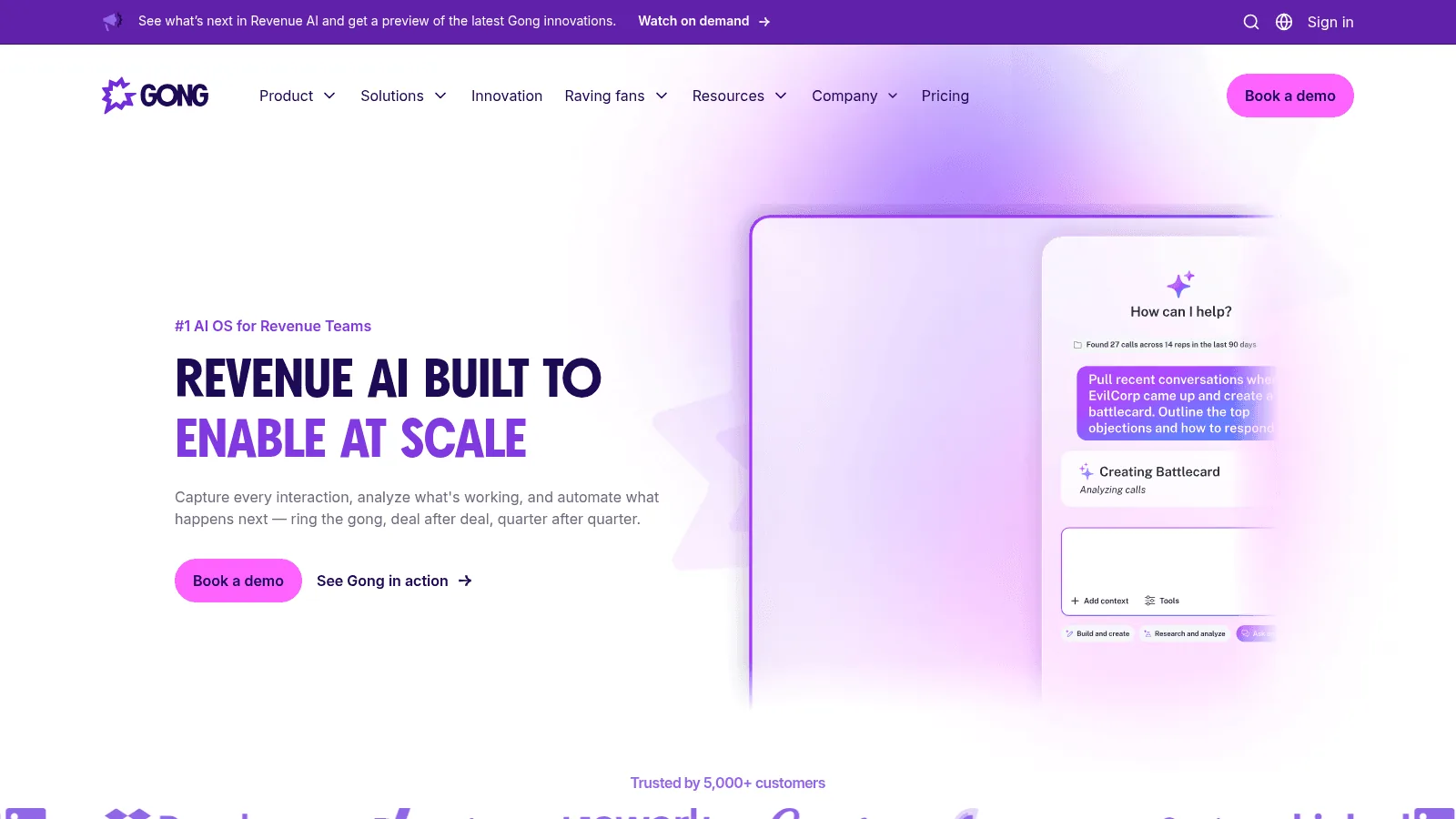
Best for: Learning what works on calls
Overview: Gong records and analyzes sales conversations, surfacing patterns across a team rather than coaching one rep at a time. It is a management tool more than a lead generation tool.
Pricing: No published prices. Pricing is per user with a platform fee on top, quoted per account.
Pros: The category leader for conversation data, strong analytics
Cons: No published price, a platform fee before any seats, and little value for very small teams
Final verdict: Buy it when you have enough calls for patterns to exist.
CRM: Where the Lead Lives
Every tool above eventually writes here, which makes the CRM the place where data quality problems become visible, and the hardest thing on this list to change later. Keeping those records current afterwards is its own discipline, covered in our CRM data enrichment guide.
20. HubSpot
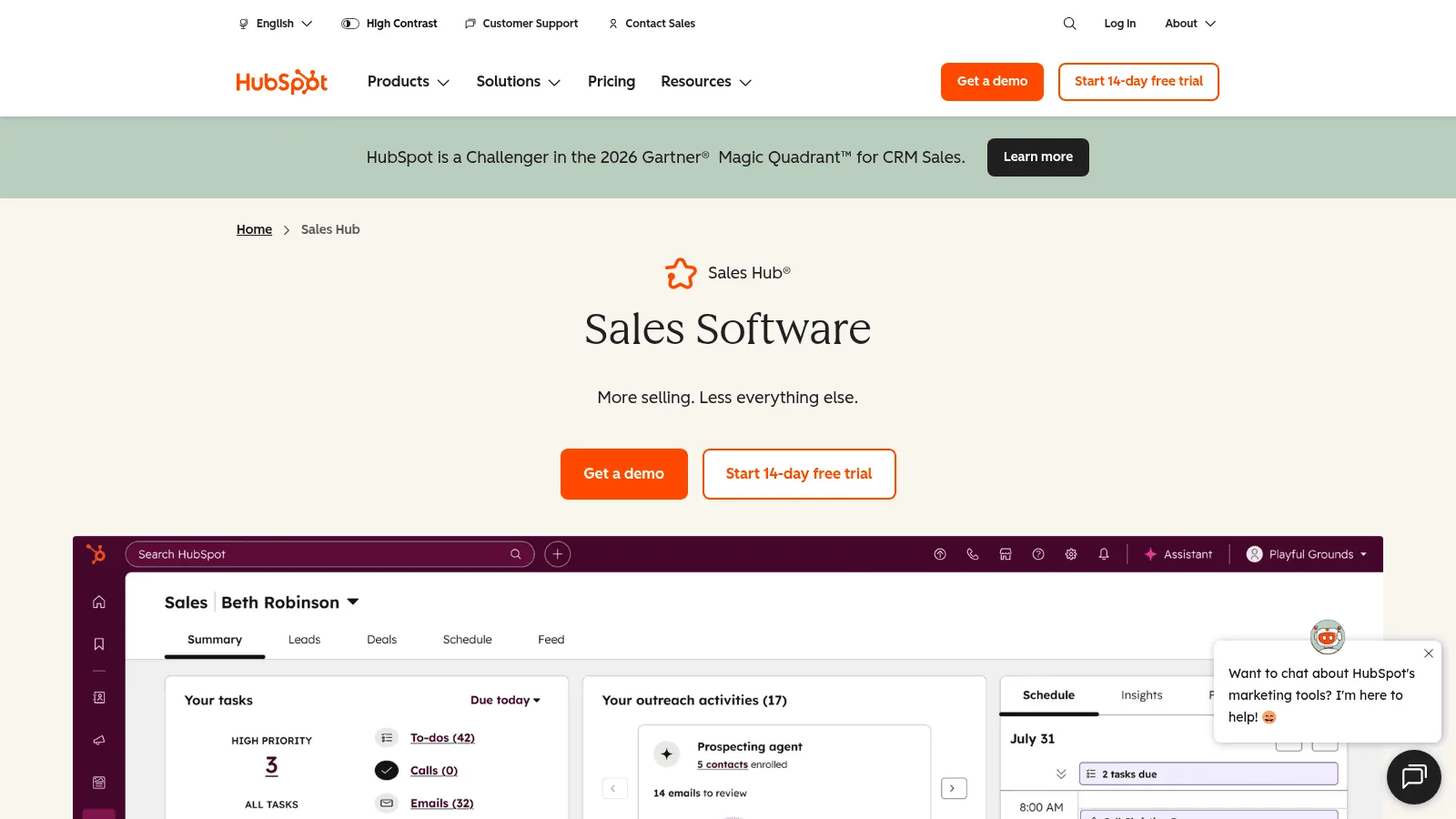
Best for: Starting free and growing into it
Overview: HubSpot's free CRM is genuinely usable for a small team, and enrichment now ships inside paid plans at no extra cost after the company absorbed Clearbit.
Pricing: Free covers up to 2 users. Starter is $7 per seat a month billed annually, or $20 billed monthly. Professional is $90 per seat annually plus a $1,500 onboarding fee.
Pros: A free tier that genuinely works for one or two people, and paid plans that scale, enrichment included on paid plans
Cons: The Professional onboarding fee, and a cheap entry price that assumes a twelve-month commitment
Final verdict: The default for most teams under 50 people, and the enrichment change makes it better value than it was, as our Clearbit alternatives comparison explains.
21. Salesforce Sales Cloud
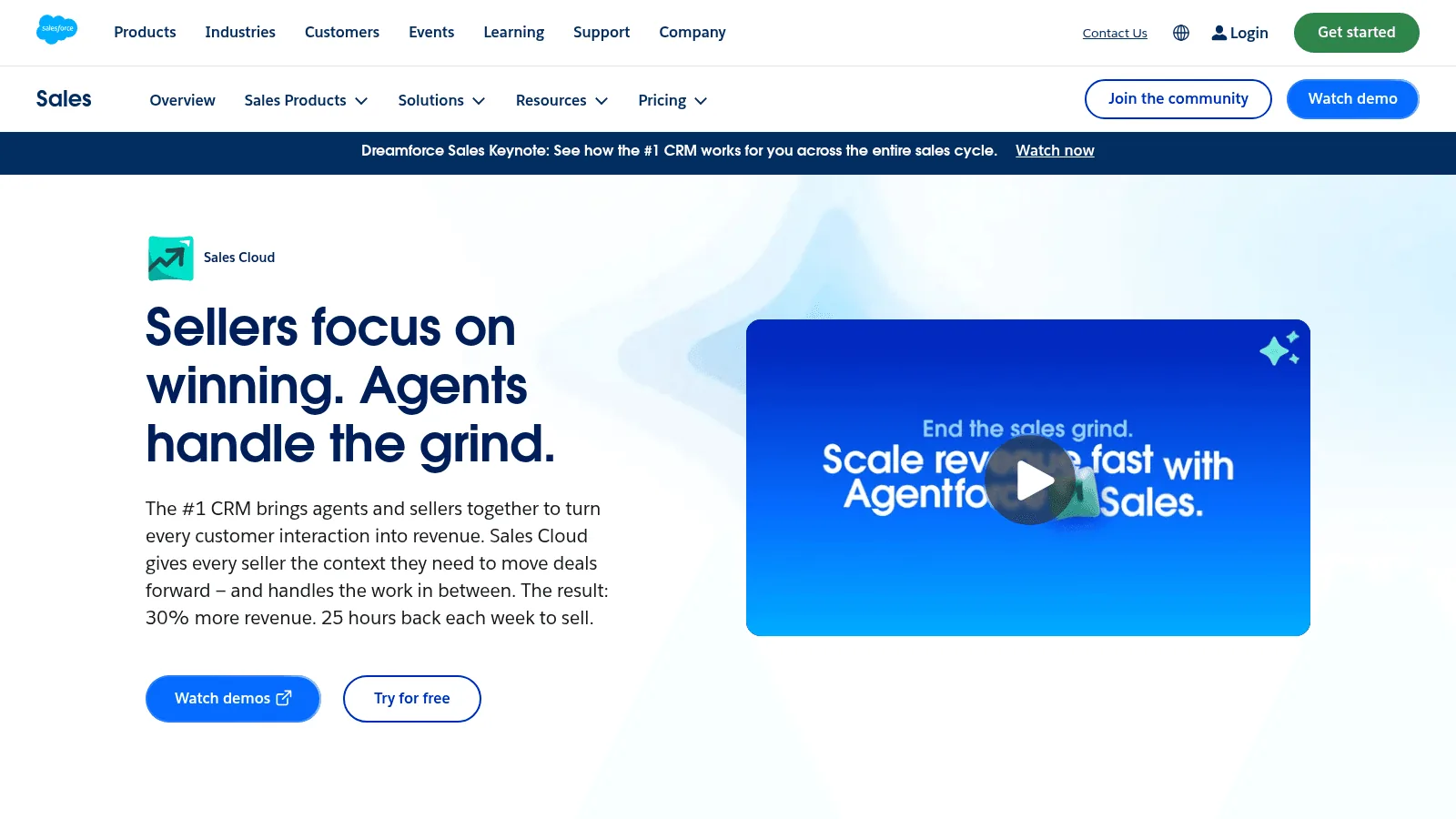
Best for: Complex processes and big teams
Overview: Salesforce is the enterprise standard, configurable to almost any process, which is both the reason to buy it and the reason implementations overrun.
Pricing: A free Suite covers 2 users. Starter Suite is $25 per user a month billed monthly or annually, Pro Suite $100 billed annually on a contract, and Core $195. API access starts at Core; on Pro Suite it is a $25 per user per month add-on, and it is unavailable on Free and Starter.
Pros: Configurable to nearly anything, the deepest integration ecosystem
Cons: The API costs extra below Core, and real configuration cost before it fits your process
Final verdict: Right when your process is genuinely unusual, expensive when it is not.
22. Pipedrive
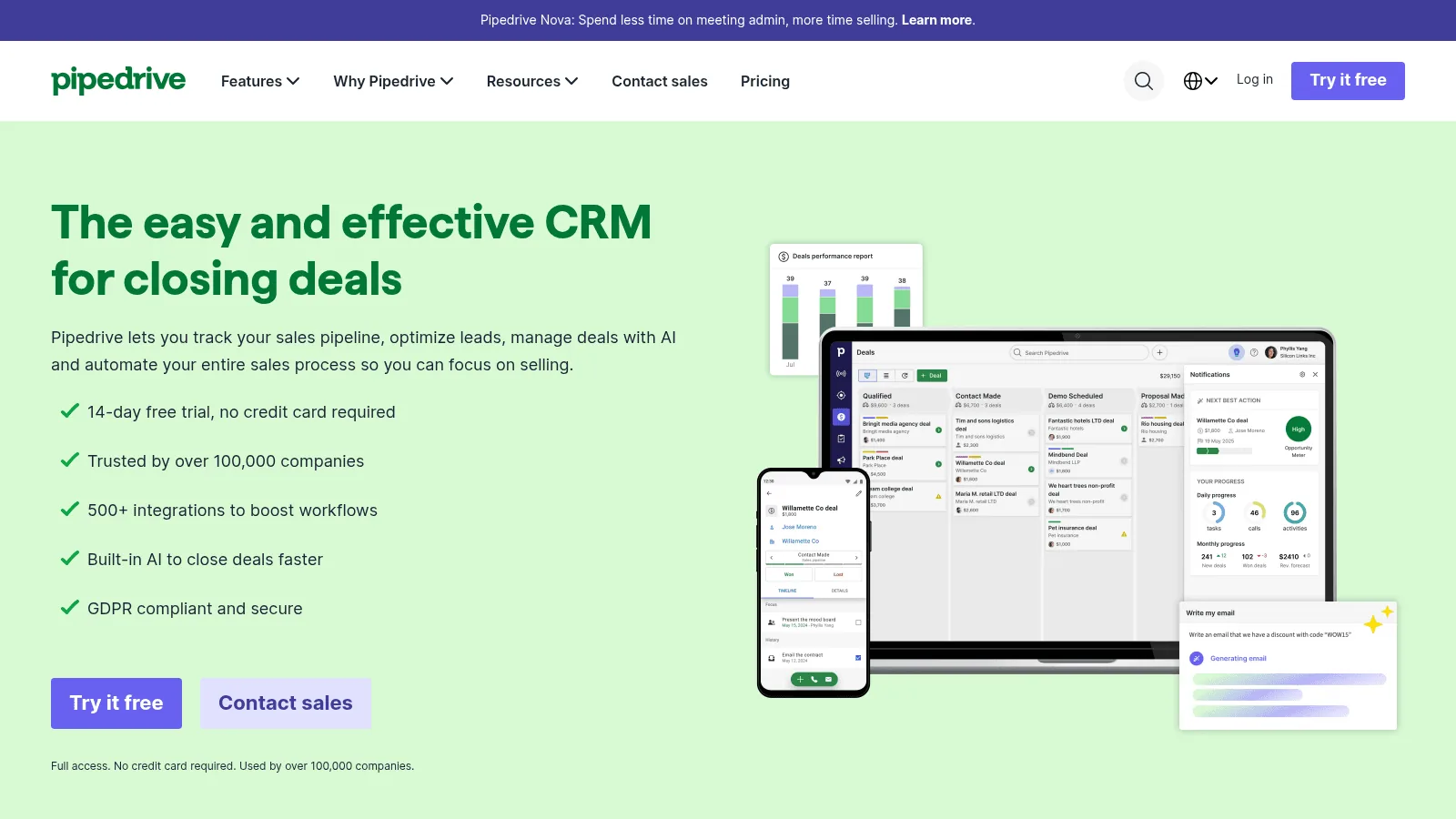
Best for: A pipeline a sales team will actually update
Overview: Pipedrive keeps the deal pipeline front and center and resists becoming a marketing platform, which is precisely why sales teams tend to keep using it.
Pricing: Lite is $14 per seat a month billed annually or $24 monthly, and Growth $39 or $49. There is no free plan, but a 14-day trial needs no card.
Pros: Cheap, quick to adopt, visual pipeline management
Cons: No free plan, and it is deliberately narrower than HubSpot or Salesforce
Final verdict: The best fit for a sales-only team that wants a pipeline, not a platform.
23. Attio
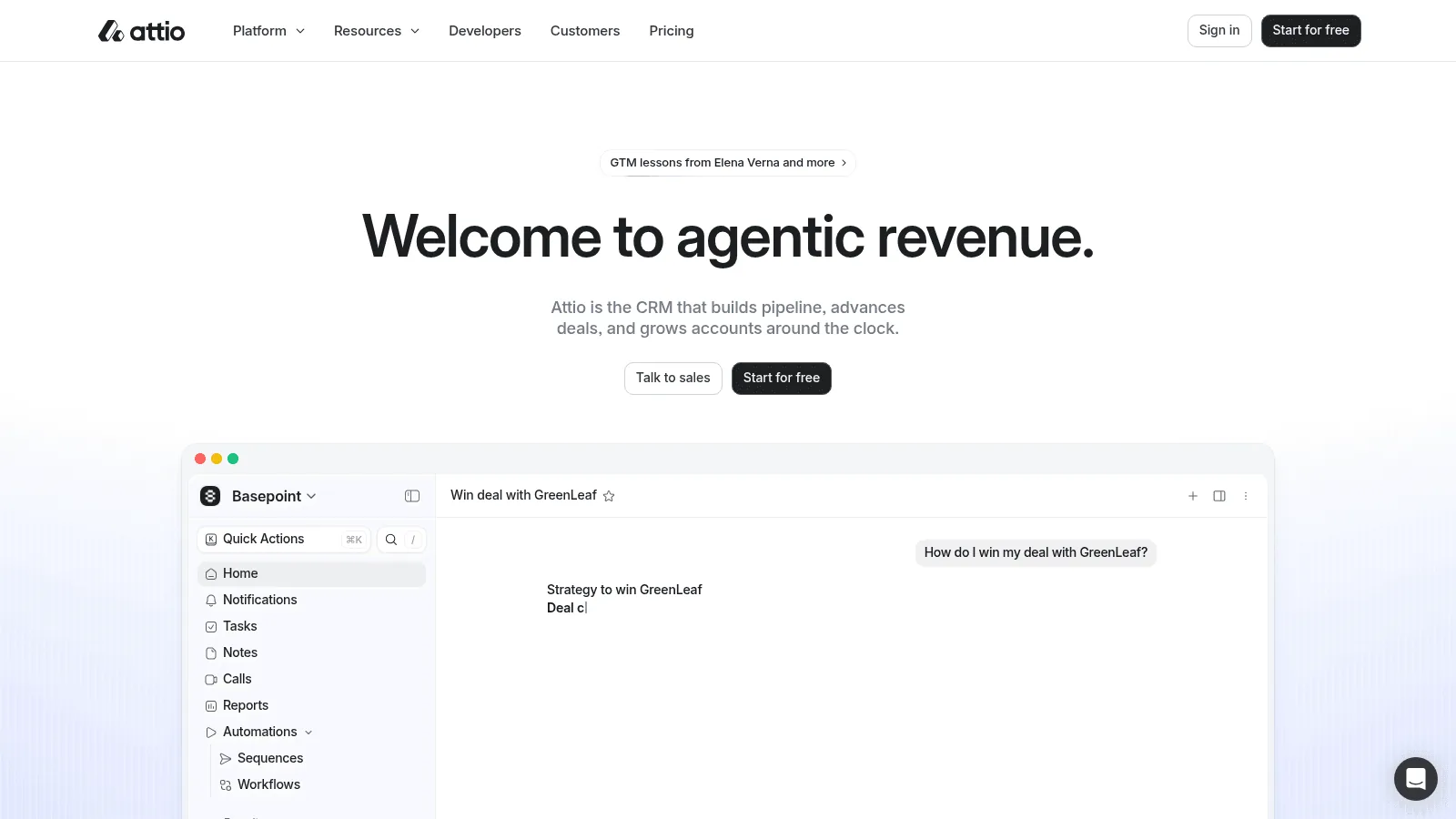
Best for: Teams that will use the API
Overview: Attio is a CRM built for teams that automate: its API, webhooks and MCP server are on every plan including the free one, which is unusual at this price.
Pricing: Free covers up to 3 seats. Plus is $35 per seat a month billed annually or $44 monthly, and Pro $79 or $99.
Pros: Developer access on every plan including Free, a generous free tier
Cons: Sequences and call intelligence need Pro, and it is younger than the alternatives
Final verdict: The strongest choice for a technical team that intends to build on its CRM.
What the Stack Costs to Run
Picking one tool per job, at the cheapest published tier, gives a usable floor for budgeting.
| Job | Cheapest published option | Monthly cost |
|---|---|---|
| Data layer | Hunter.io Starter, billed yearly | $34 |
| Capture | Unbounce Starter, billed annually | $22 |
| Identify | Leadfeeder Lite | $0 |
| Route and book | Calendly Standard, billed yearly | $10 |
| Reach out | Instantly Growth, billed yearly | $37.60 |
| CRM | Pipedrive Lite, billed annually | $14 |
That comes to about $118 a month for one person covering six of the seven jobs, before any volume. Teams building this into a product they sell rather than running it internally are reading the sales products case instead.
The number climbs fast with seats and usage. The point is not that anyone should buy exactly this list, but that the floor is lower than most teams assume: what pushes a stack to thousands a month is usually seats and credits, though the account-based platforms here start in the thousands before a seat is counted.
How to Test a Tool Before You Buy It
Buying is the easy part. The CMO Survey, run by Duke's Fuqua School of Business with Deloitte and the American Marketing Association, found that marketing technology absorbs 19.9% of marketing budgets and is expected to reach 30.9% within five years, yet only 56.4% of purchased tools are actually being used. Nearly half of marketing leaders in that survey reported a significant gap between what their technology delivered and what they hoped for.
Underuse is not usually a discipline problem. It is what happens when a tool is bought on a demo and never tested against the work it was supposed to do.
Test the data layer first, and separately
One data-business founder described their own evaluation checklist to us as a single run-on question: "what price, or what's the minimum quantity or How do we know if it's right? If we run a test sample." Price, minimum, and proof on a sample, in that order.
So run 200 records you can verify independently through any tool that claims to enrich or find contacts, and count two things rather than one: how many rows came back, and how many came back correct.
A tool filling 90% of rows at 70% accuracy returns 63 usable records and 27 wrong ones; one filling 60% at 95% returns 57 usable and 3 wrong. Which is better depends on what a wrong record costs you, and a blended figure hides which you bought.
Do this before testing anything above it. If the data layer is wrong, every tool downstream will look broken for reasons that are not their fault.
Check what you already own
Before adding a category, check whether something already does the job. Apollo.io covers data, sequencing, dialing and a basic CRM. HubSpot now includes enrichment on paid plans. Clay can replace several point providers. Overlap is the main reason stacks cost more than they should, and the fastest audit is to list your tools against the seven jobs and look for duplicates.
Scale matters less than the noise suggests. Statistics Canada's 2023 survey of digital technology use found customer relationship management software in use at 17% of Canadian businesses with five or more employees.
That is one country and one year, but it corrects the assumption that everyone else is running twelve tools and winning.
Buy monthly first, annually later
Annual billing discounts are real, often 20 to 30%, and they are also how teams end up paying for a year of something they stopped using in week three. Pay monthly through the first quarter, measure actual usage, then commit. The discount you forgo is almost always smaller than the cost of a wrong annual commitment.
FAQs
What is the best lead generation app for a small team?
There is no single lead generation app that covers the whole job, so the question is really which three to start with. For one or two people, the strongest combination is a free CRM, a free visitor-identification tier and one paid data tool. HubSpot Free, Leadfeeder Lite and Hunter.io Starter at $34 a month cover finding, identifying and storing leads for about the price of a single seat elsewhere. Add sending only once you have something worth sending.
How many lead generation tools does a team actually need?
Fewer than most teams own. Map your tools against the seven jobs in this guide and you will usually find two or three doing the same thing. Most lead generation systems grow by accretion rather than design. Given that only 56.4% of purchased marketing technology is reported as being used, the default assumption should be that you are already paying for something idle.
What is the difference between lead generation software and a CRM?
A CRM stores and manages leads once they exist; lead generation software creates them. The confusion is understandable because the big CRM vendors have absorbed capture, enrichment and sequencing into their platforms. The practical test is whether the tool would have anything to do if your website got no traffic and you bought no data.
Are free lead generation tools good enough to start with?
Often, yes. Eleven tools in this list run a free tier rather than a trial, and several are genuinely usable rather than demos: HubSpot's free CRM handles two users, Leadfeeder Lite shows 100 companies a month, Calendly books meetings, and Hunter.io gives 50 email credits a month. The usual reason to upgrade is volume, not capability.
Which part of the stack should I buy first?
The data layer, because everything else reads from it. A sequencer with bad data sends confident emails to the wrong people, and a CRM with bad data produces reports nobody trusts. Fixing the input is cheaper than compensating for it in six places, which is also the argument behind our lead scoring guide.
The data layer behind your GTM engine
Access fresh people and company data through one API and power every enrichment, prospecting, and automation workflow.
- Profiles
- 800M+
- Refreshes / month
- 200M
- Response time (P95)
- 500ms